For families — a teacher's eye at home
In Soroban Kingdom, levels 20–16 are free forever with no sign-up. Practice from 15th Kyu up and the parents' teacher screen come with the Home plan. Records do more than pile up on the device: where your child is stuck and what to do next becomes visible to parents.
▼ Try or apply for the Home Plan
What you get
Levels 20–16 (no sign-up, free forever): practice for 20th–16th Kyu, the wrong-bead diagram, puzzles. Records stay on the device; the weekly summary is under "For grown-ups" → "Your child's progress and guide" in the menu.
Home Plan:みとり算・かけ算・わり算・あんざん・フラッシュ暗算を 20級〜十段まで、本日の練習、たいせん、SK検定(自宅版)、プリント、そして保護者が見る「お子さまの記録」の画面。
What the Home Plan adds (for parents)
| What you get | Why it helps |
|---|---|
| Records stay in the cloud | It survives a new device, and brothers and sisters on separate devices. A parent can look any time from their phone |
| Needs follow-up / struggling / ready to move up | You can see at a glance who needs a word today, and each child's mistake habits (friends of 5, friends of 10, carrying) too. |
| You can set homework | "This week: 7th Kyu addition, 3 sets" → it reaches your child's screen, and what they finish comes back automatically |
| Tests and certificates from 15th Kyu up | Pass the SK Test and print a certificate (20th–16th Kyu work without sign-up too) |
| Class name in the ranking | Compare brothers and sisters under one family name |
For your child, nothing changes: a nickname only (we collect no email address and no real name). We hold only the parent's email address.
Why families choose Soroban Kingdom
🇯🇵 The authentic Japanese soroban method. Levels from 20th Kyu to 10th Dan, the same test formats and the same bead technique taught in Japanese soroban schools — not a game loosely based on the abacus.
🔍 It finds how your child goes wrong. Not just right or wrong: from each wrong answer it works out the bead move that most likely went wrong (5-complements, 10-complements, carrying), and shows whether that kind of mistake is becoming less frequent.
🎓 Certificates worth framing. Pass an SK Test and print a certificate in a Japanese-style design.
Pricing
Levels 20–16 are free forever — no sign-up. From 15th Kyu up: Home plan $29/month (up to 3 siblings).
Try it free for 14 days — no credit card needed. It simply stops after 14 days. If you subscribe, billing starts that day. A parent signs in with Google in the app.
| Plan | Monthly | Yearly (save 2 months) | Children |
|---|---|---|---|
| Levels 20–16 | $0, free forever | — | no sign-up |
| Trial (no credit card) | $0 for 14 days | — | up to 3 |
| Home | $29 | $290 | up to 3 siblings |
Prices are in US dollars. Sales tax or VAT may be added at checkout, depending on where you live. The first payment is taken on the day you subscribe, then automatically on the same date every month (every year for yearly plans). Cancel any time from the customer page: the plan stops at the next renewal date and you can keep using it until then. No pro-rated refunds. If your child later joins a soroban school that uses Soroban Kingdom, they simply join the school with its code — the school's plan covers home use.
Please pay with the same email as the parent's Google account you signed in with in the app (otherwise the higher levels won't unlock). Subscribing from the buttons on the app's parent screen fills this in automatically.
Cancel or change your credit card any time from the customer page. Legal notice (Japan) · Terms · Contact
What happens after you apply (3 minutes)
- On your child's device, open the app and press "For grown-ups" → "Your child's progress and guide" in the menu on the left
- In "🏠 Start at home" at the top, enter your child's nickname and press "Sign in with Google and start" (use the Google account with the same email address you applied with)
- Your plan is applied automatically within minutes, 1 business day at the latest (reopen the app)
- On your phone, open the parent screen and sign in with the same Google account to see records, weak points and homework
For siblings, just press "Start at home" the same way on that child's device (no extra charge for up to 3 children).
When siblings share one device, tap “👥 Switch / log out” on the name badge on Home (on a computer, at the left of the top bar) → “Who's playing?” and tap a name to switch (no key needed; each child's progress is kept separately). For siblings at the same school, use “🔑 Enter a sibling's card key” in the same window to enter the second key once. A new child can type a name and try 20th–16th Kyu.
If you need help Contact.
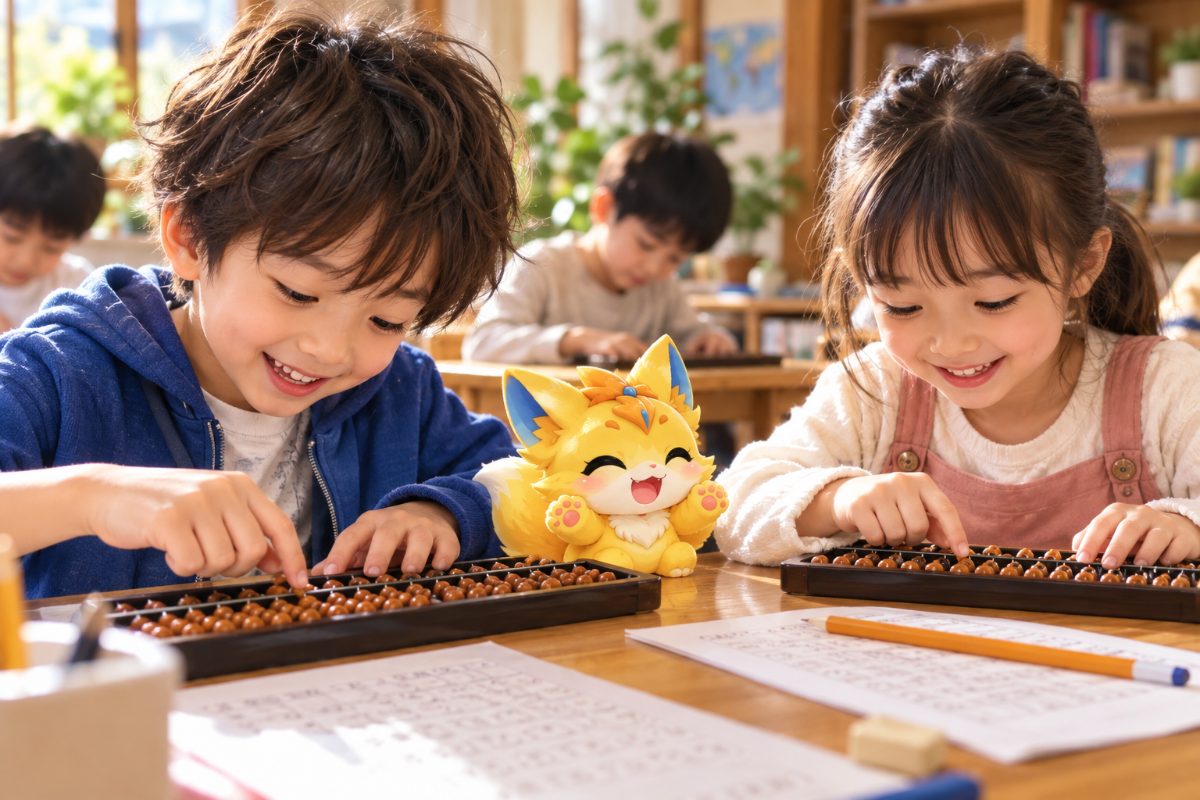
Compared with only reading, moving your hands is far quicker to learn. Soroban Kingdom's levels 20–16 are free forever, with no sign-up, on any phone or computer.
When you get one wrong, the bead move that most likely went wrong (worked out from the answer) is shown in a diagram.
▶ Open Soroban Kingdom